
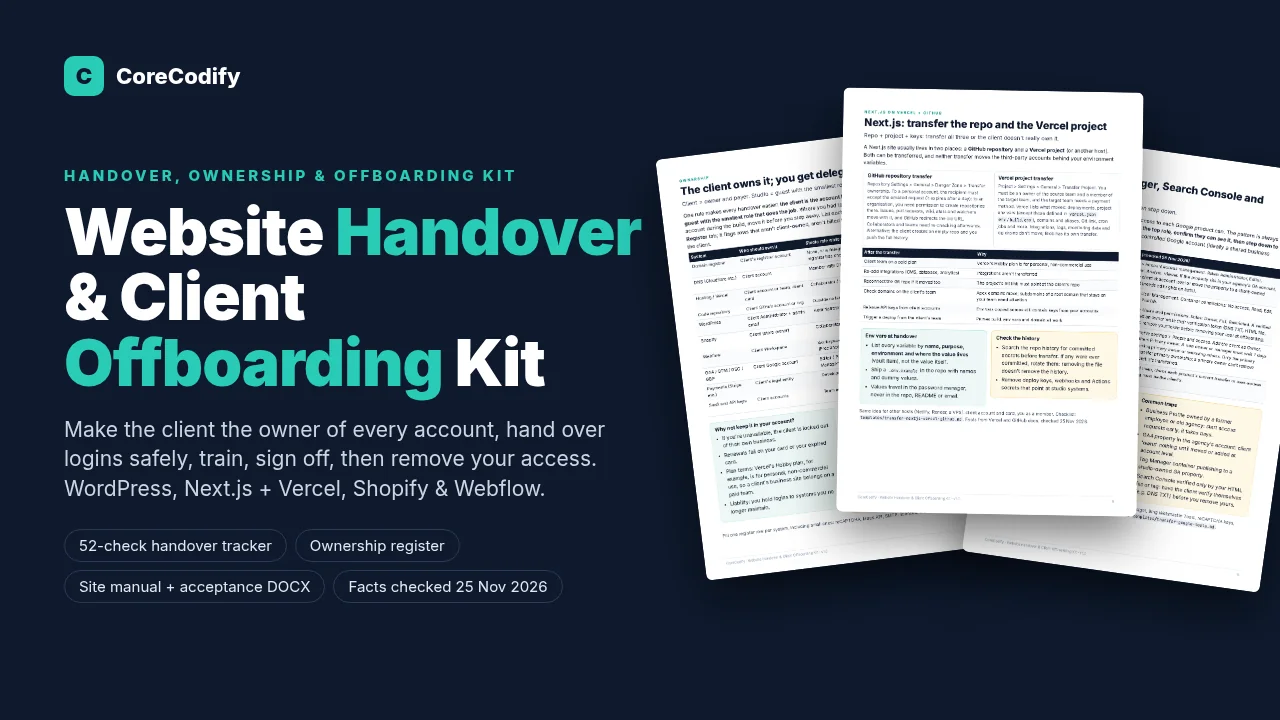
Website Handover & Client Offboarding Kit for Web Developers: WordPress, Next.js, Shopify & Webflow
$29
A 24-page guide, 52-check workbook, 11 templates and white-label sign-off documents so you can transfer ownership and leave a WordPress, Next.js, Shopify or Webflow project cleanly. Checked 25 November 2026.
Need custom work? Hire me at usamify.com.
About this product
A finished site is not fully delivered until the client can renew it, move it or hire someone else without needing you. Too often the domain, DNS, hosting, GitHub repo, Vercel project or Business Profile still sit under your login, secrets travelled by inbox, and licences lapse after the project ends. This kit is a repeatable process for moving ownership, handing over access safely, documenting, training, signing off and leaving WordPress, Next.js, Shopify and Webflow projects, with the paperwork ready to send.
Files in the pack
The PDF runs to 24 pages. Early chapters treat the handover as a deliverable, lay out a timeline from 14 days before the end date with roles for each side, and keep one rule at the centre: the client holds the accounts and pays the bills, and you work through delegated access. Later chapters walk through each transfer in order.
Domain, DNS and email cover a registrar push compared with a transfer, locks that can stall a move, shifting a DNS zone without breaking mail, and MX, SPF, DKIM and DMARC, including where those reports should arrive. WordPress covers giving the client their own Administrator, confirming the admin email, hosting, premium licences, and removing your user without removing content. Next.js hosted on Vercel, together with GitHub, covers moving the repository, moving the Vercel project (what comes across and what stays behind), environment variables, and why keys have to be issued again. Shopify covers client transfer stores compared with development stores and collaborator access, what can block a move, and staff accounts versus collaborator accounts. Webflow covers moving the site into the client's Workspace, rules on paid plans, who pays, libraries and guest designer access. Google properties cover GA4, Tag Manager, Search Console (including taking your verification token off the property) and Business Profile, including the seven-day wait to become primary owner.
Payments, SaaS tools and keys cover putting gateways under the client's legal name, rotating SMTP credentials and API keys in four steps, and webhooks. Access starts with invites, then a password manager for anything left, never an inbox message; two-factor authentication, recovery codes and a rotation after the handoff. Documentation and training cover a site manual, a content-editing guide, a sheet that lists the stack, a one-hour training plan and a checklist for a recorded walkthrough. Close-out covers a last quality pass, acceptance, a backup on handover day, what the client has to renew, warranty wording, and leaving in a way that records that your access was removed.
The spreadsheet opens in Excel 2019 or 365, Google Sheets and LibreOffice. Tabs include a Dashboard, a Handover Checklist with 52 checks, an Access and Ownership Register that flags items the client does not own or pay for, a Credentials Handoff Log that records where credentials went and not the secrets themselves, a Renewals Calendar for expired items, items due soon and auto-renew switched off, plus a Training Log, an Offboarding tab and a Change Log.
The pack also includes a one-page Quick-Start, two white-label Word files (Part 1 is the handover pack and site manual; Part 2 is acceptance and sign-off, with warranty wording and an offboarding confirmation), and 11 markdown templates. Those templates include six client emails, from notice that the handover is coming through to confirmation that access was removed, plus a care-plan offer, a training agenda, an outline for the site manual, move checklists for WordPress, Next.js on Vercel with GitHub, Shopify, Webflow, Google properties, and domain, DNS and email, and an offboarding checklist. A short selling chapter has handover packages and a retainer upsell, with price ranges clearly marked as suggestions, a three-sentence pitch and answers to common client questions. The download is a single ZIP and the documents also open in Word and Google Docs.
Who it is for
Freelancers and small studios shipping client sites on WordPress, Next.js, Shopify or Webflow. People who want to close a project cleanly and turn the end of the warranty into a conversation about ongoing care. Anyone inheriting a site from another developer and trying to work out who owns each account.
Please read first
The pack is written as practical help for web professionals. It is not legal advice, and the acceptance and warranty files are not a substitute for your contract. Transfer rules on each platform change, so check the current documentation before you move an account. CoreCodify has no affiliation with the platforms named in the guide, including Vercel, GitHub, Shopify, Webflow, Google and WordPress. Facts were checked on 25 November 2026.
Licence: use the kit on your own sites and on client sites. Do not resell the kit or pass the download on to others.
How delivery works
This is a digital download. Checkout happens on Gumroad, which takes the payment and emails you a receipt with the download link straight away. The files also stay in your Gumroad library, and if the product is updated, the new files appear on the same listing.
You can use the files in your own and your clients' projects, but not resell or share them. The license page explains the details. Refunds are handled on Gumroad under its policy. For help with a download, see support.
Questions
No. The pack is practical help for web professionals, not legal advice, and the acceptance and warranty files are not a substitute for your contract.
WordPress, Next.js hosted on Vercel with GitHub, Shopify and Webflow, plus domain, DNS and email, and Google properties (GA4, Tag Manager, Search Console and Business Profile). Move checklists are included for each of those.
Yes. Those Word files are white-label, and the licence allows use on your own sites and on client sites. The kit itself may not be resold or passed on as a download.