
MCP Setup Playbook for Web Developers: Claude Code, Cursor & VS Code Configs, Server Recipes & Security Checklist
$24
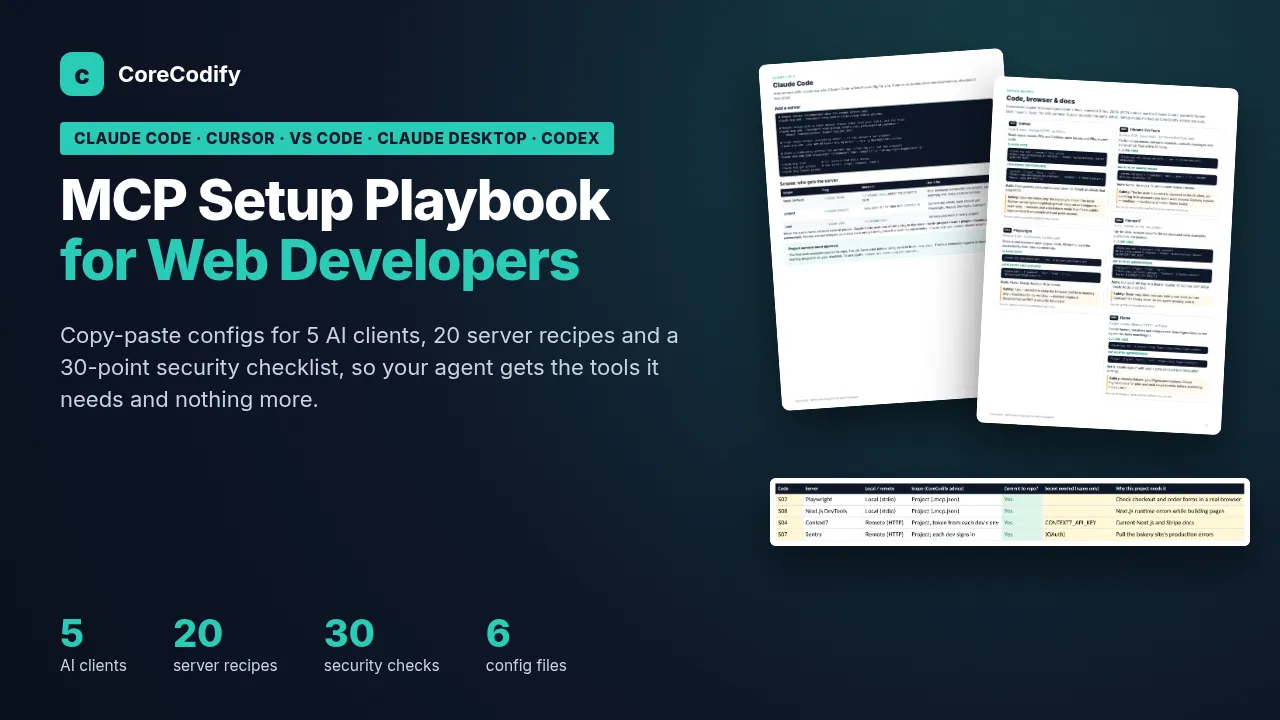
Set up MCP servers once and use them across AI coding tools: setup for 5 clients, 20 server recipes, 6 ready config files and a 30-point security checklist.
Need custom work? Hire me at usamify.com.
About this product
Each MCP server's README is written for a different app. Claude Code expects mcpServers and ${VAR}, VS Code expects servers and ${input:...}, Codex expects TOML, and a config copied from one app can quietly fail in another. This playbook puts the setup for five AI clients, 20 server recipes for web work and a security routine for client projects in one place.
Commands, file names, config keys and variable syntax were checked against the MCP specification (2026-07-28) and each vendor's official docs on 3 November 2026. Every page lists its sources.
What you get
A 25-page PDF playbook. It explains MCP in plain English, gives one page to each client (Claude Code, Cursor, VS Code with GitHub Copilot, Claude Desktop and Codex) and compares all five in a table.
20 server recipes: GitHub, Playwright, Chrome DevTools, Context7, Figma, Supabase, Sentry, Next.js DevTools, Vercel, Netlify, Cloudflare, Stripe, Shopify Dev, WordPress MCP Adapter, Linear, Notion, Neon, DBHub, Filesystem and Fetch. Each has a Claude Code command, a JSON entry, how authentication works and a safety note.
A pattern for teams sharing one repo: commit the shared configs with placeholders and keep tokens in each developer's own environment.
A config pack with ready files: .mcp.json, .cursor/mcp.json, .vscode/mcp.json, claude_desktop_config.json, a Codex config.toml and a .env.example.
A 30-point security checklist and 8 MCP risks explained simply, including prompt injection, tool poisoning and token passthrough.
16 common problems with their fixes, and a 5-minute test routine with MCP Inspector.
6 starter stacks by project type, and 6 workflows for client work, such as Figma to component, browser QA before launch, and Sentry bug to pull request.
A stack planner spreadsheet with 7 tabs. Pick servers and the mcpServers JSON builds itself. It also tracks security review dates, keeps a secrets inventory with rotation flags (names only, never values) and has a troubleshooting log.
A client AI and MCP access agreement and a team onboarding and offboarding procedure, both in Word.
8 prompts for choosing a stack, reviewing or converting a config, auditing tool descriptions and responding to a leaked token.
Who it suits
Freelance web developers and small agencies using AI coding tools on client projects, teams where people use different AI clients on the same repo, and anyone who has copied an MCP config from a README and watched it fail.
What to know first
The ZIP holds the PDF guide and a quick start, the spreadsheet (Excel, Google Sheets and LibreOffice), 6 config files, 2 Word templates and a text file of prompts. It is a setup and security reference, not a coding course.
Starter stacks, checklist wording, workflows, prompts and safety notes are CoreCodify's recommendations, and vendor facts are labelled with their source. MCP tools change quickly, so if a vendor's current docs differ, the vendor is right. Free v1.x updates are included. The client in the examples is fictional. No setup makes a server fully secure, and you stay in control of what you connect and approve.
License: use it for your own and your clients' projects. Don't resell or share the files. Claude is a trademark of Anthropic, Cursor of Anysphere, VS Code and GitHub Copilot of Microsoft, and Codex of OpenAI. CoreCodify is not affiliated with or endorsed by any of them.
How delivery works
This is a digital download. Checkout happens on Gumroad, which takes the payment and emails you a receipt with the download link straight away. The files also stay in your Gumroad library, and if the product is updated, the new files appear on the same listing.
You can use the files in your own and your clients' projects, but not resell or share them. The license page explains the details. Refunds are handled on Gumroad under its policy. For help with a download, see support.
Questions
Claude Code, Cursor, VS Code with GitHub Copilot, Claude Desktop and Codex, with one page each and a comparison table.
No setup can make a server fully secure. The playbook gives you a 30-point security checklist, explains 8 common MCP risks and shows how to keep tokens out of shared configs, but you stay in control of what you connect and approve.
No. It is a setup and security reference with ready config files, server recipes, templates and a planner spreadsheet.