
Web app and course platform
LITFX Academy: a trading course site with a member area for daily practice
LITFX Academy teaches CMP price action trading with live daily mentorship. Usama Ali designed and built its public site and member area, so students could sign up, learn, practise and track their progress in one place.
- Client
- LITFX Academy
- Project
- Web app and course platform
- Role
- UI design, web app development, course platform
- Look
- Black and gold
The project
LITFX Academy is a trading school built around CMP price action and a live mentor. Usama's project page describes the result as a mix of a marketing site and a web app. The public side sells the course. The member side is where students do their daily work.
His role covered the UI design, the web app development and the course platform, including the member area with the journal, simulator, certificates and leaderboard.
The problem
Before this project, lessons, homework and progress tracking were spread across chats and spreadsheets. A visitor who wanted to join could not easily see what the course included or what it cost.
A trading course depends on practice. Students needed a place to make practice trades, write down their reasoning and see whether they were improving, without hopping between three tools. Splitting pricing, syllabus and practice tools across different places also makes a new student hesitate, and makes returning students waste time finding the next task.
The tools also had to suit how students study: on a laptop during a session, and on a phone when there are only a few minutes to log a trade.
The public side
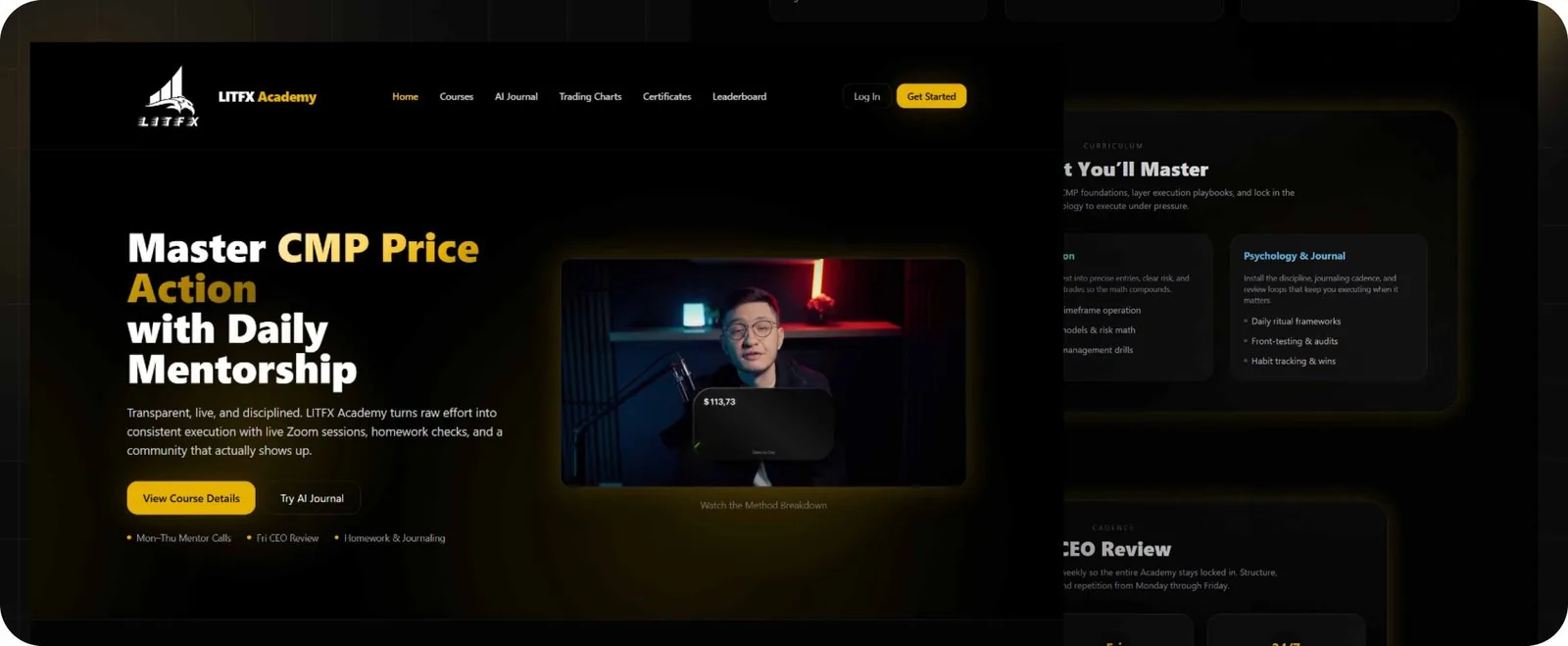
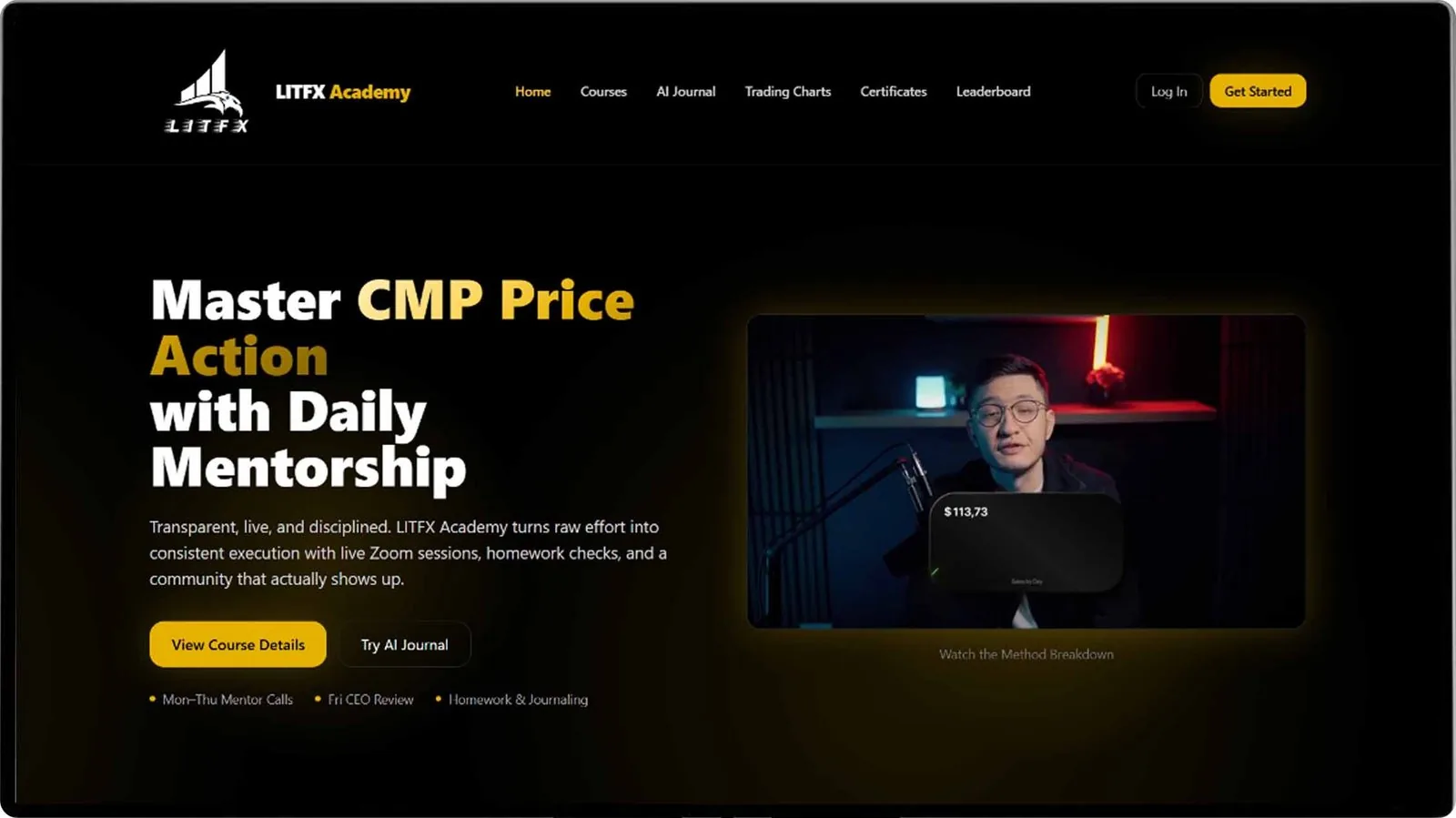
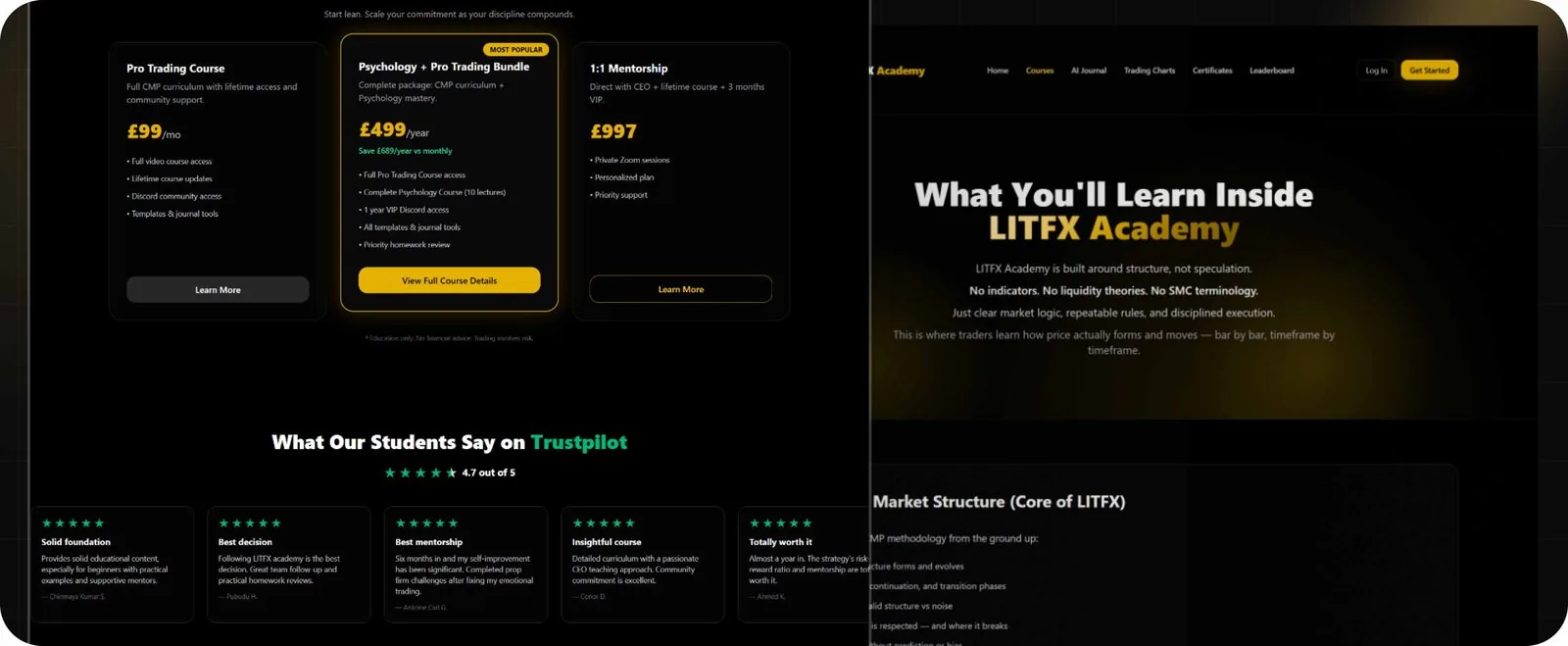
The landing page opens on the line Master CMP Price Action with Daily Mentorship, next to a video from the mentor and a short list of what students learn. Pricing tiers come next, so nobody has to hunt for them, and student reviews from Trustpilot are pulled into the site.
On smaller screens the landing page stacks the video, the syllabus points and the pricing tiers in that order.
The member area
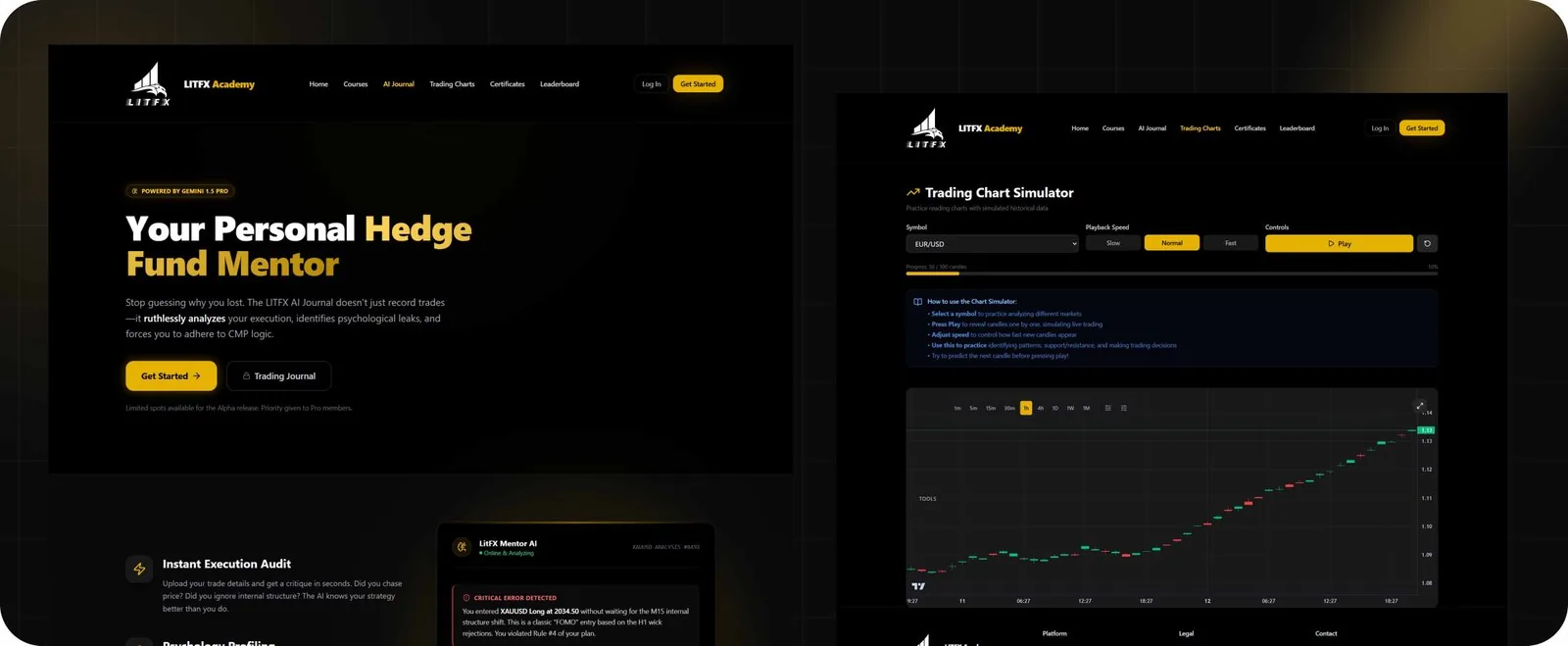
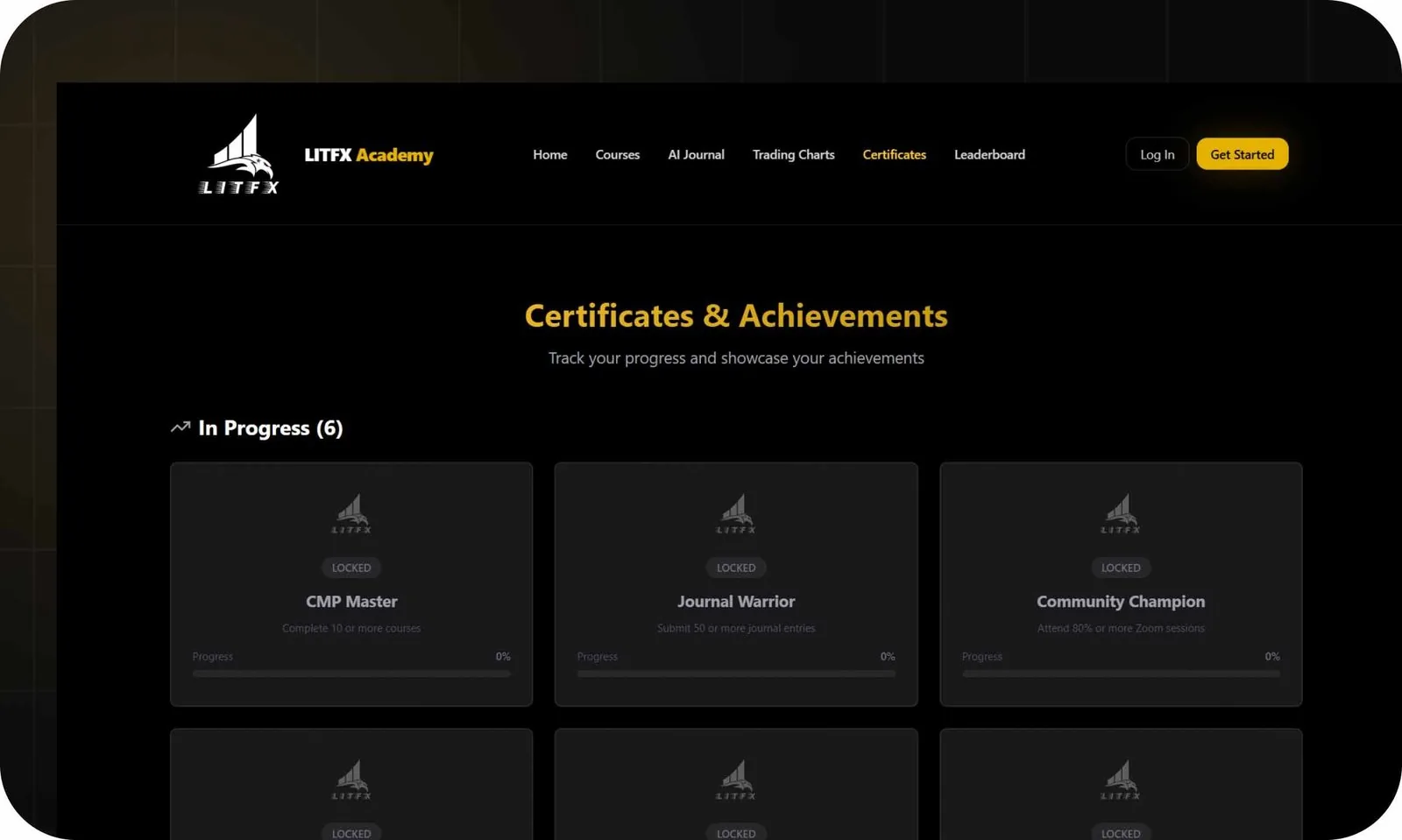
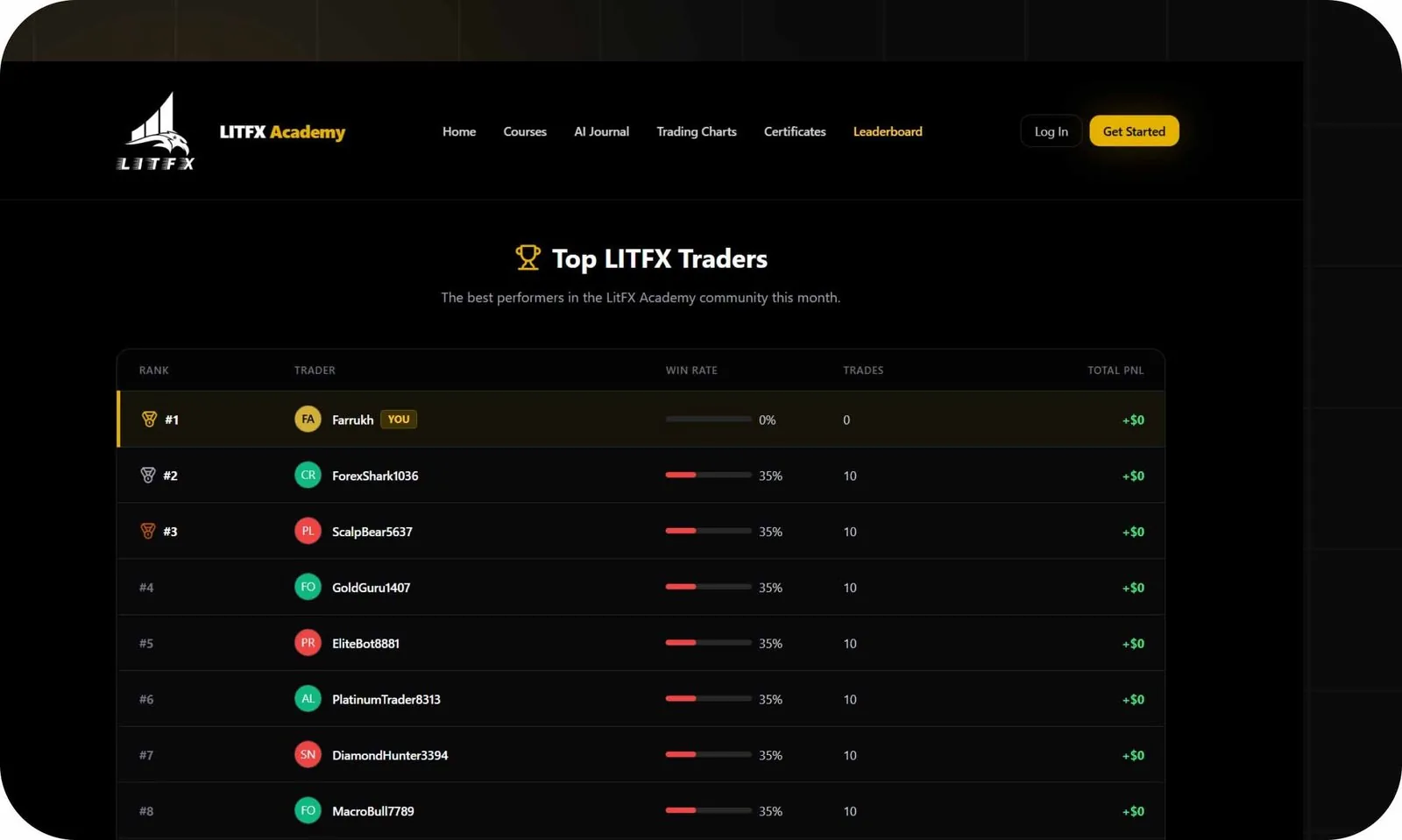
Inside the member area the focus is on the tools students use most. A trading chart simulator lets them practise. An AI trading journal holds notes on each trade. Certificates and achievements show progress, and a ranked leaderboard shows top traders by win rate and progress.
Those screens are built as a small set of tasks: practise on the chart, write the reason for a trade in the journal, then check certificates or the leaderboard. The layout keeps these close together so a student does not have to move through a long settings maze to do daily work. The member area is meant to open on the work, not on a second marketing page, because that return visit is where a course platform either feels useful or feels like a login screen with no clear next step.
Design choices
Both sides share the academy's black and gold style, but they were not given the same layout. The public pages need a clear story and visible pricing. The member pages need tools a student can use every day without marketing in the way.
On small screens, tables and the leaderboard scroll sideways when they need to, and the journal stays a simple form instead of a cramped spreadsheet. The project page says both the public path and a logged-in path were walked through on desktop and phone, and that gold text on black was checked for readability.
Outcome
The project page records what was delivered: the landing page, pricing, member area and dashboards, plus the chart simulator, AI journal, certificates and leaderboard screens. It lists these as deliverables rather than as results. The case study keeps to that and reports no student numbers or performance claims.
What is not public
Usama's project page does not give a public address for the live platform, so this page does not link to one and does not describe screens beyond the design images the portfolio shows. It also publishes no enrolment, revenue, timeline, team or performance figures, and none are given here.
Public sources used
Every statement on this page comes from one of these pages.
More case studies
- Search Lift: The site of a local SEO and AI search agency, organised around one picture: a search result where your business is missing.
- iLoveView: Website pages and app screens for a product that records a video now and delivers it on a day chosen in advance.
- All case studies
Need custom work? Hire me at usamify.com.